; how it works
How Printly checks a print.
Scroll through a guided preview of Printly checking a sample print file, then see the details of what it found.
; guided preview
Watch Printly check a print.
A recording of Printly with a sample file, a T-shaped test part. It plays as you scroll, forwards or backwards. This page is only a preview: it doesn't accept files.
-
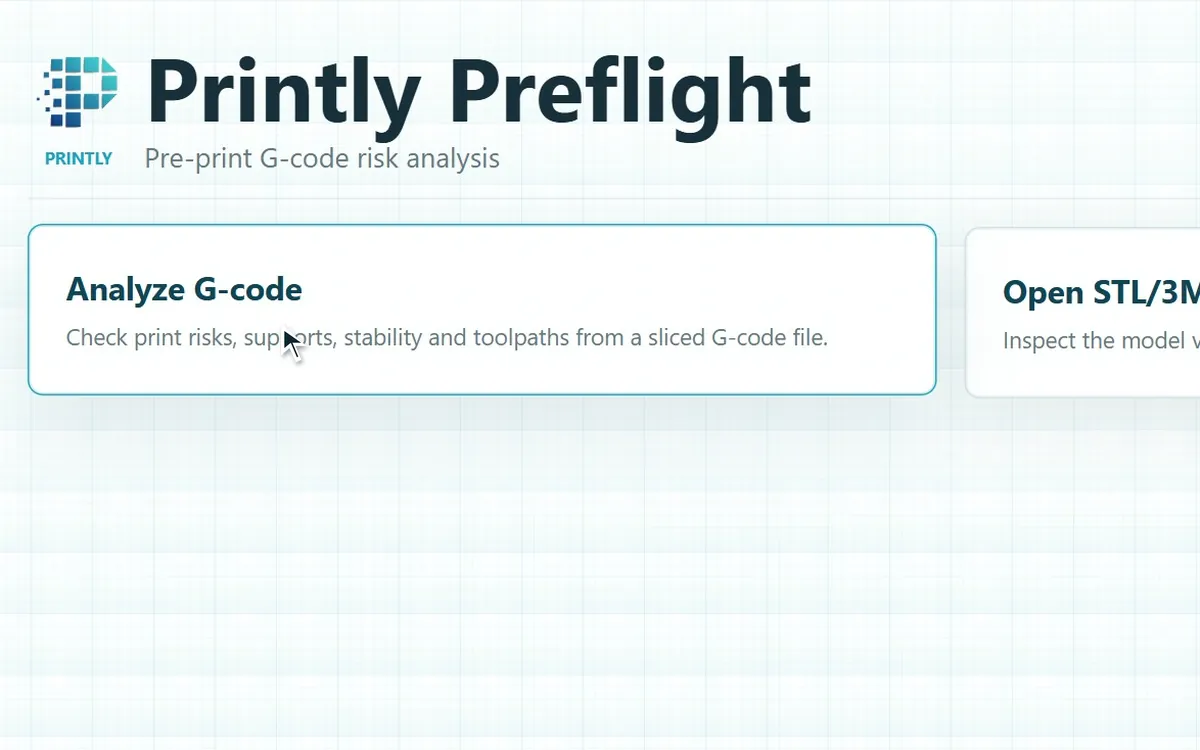
Start with a choice
Printly opens with two options. Analyze G-code checks a print file for risks. The STL/3MF viewer only shows a 3D model; it doesn't check it.
-
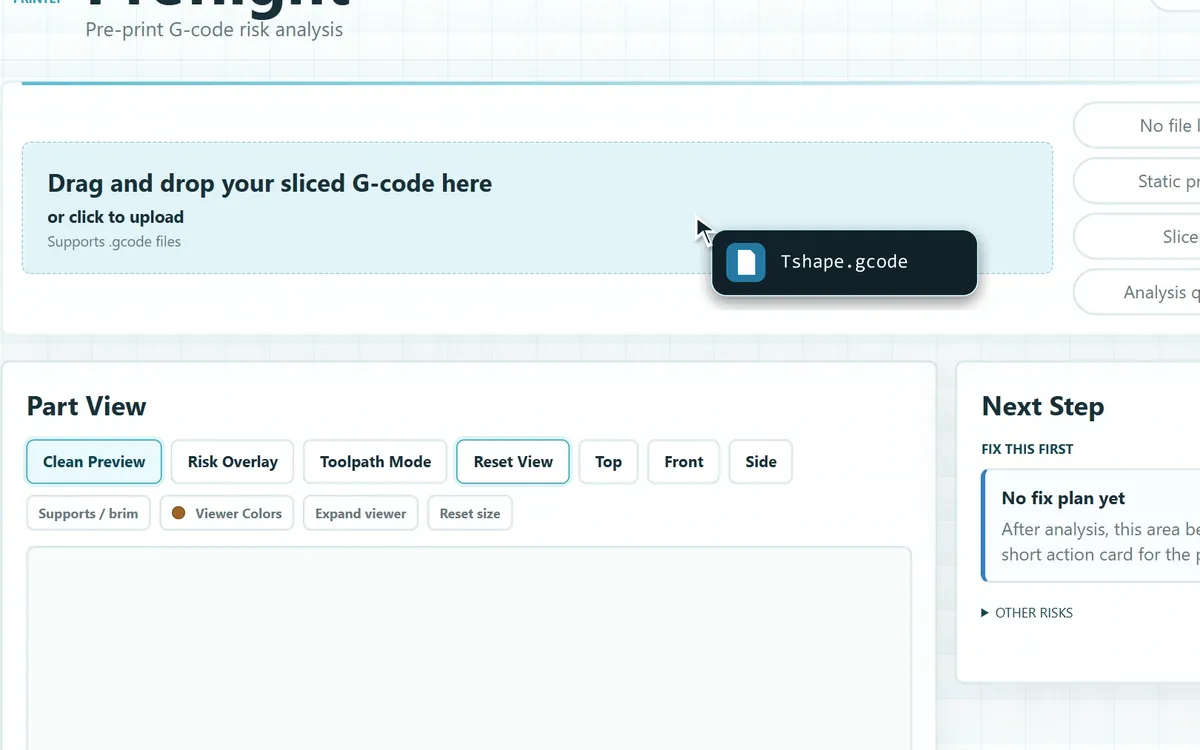
Open the print file
Choose Analyze G-code, then drop in the file your slicer made. Here it is the sample Tshape.gcode.
-
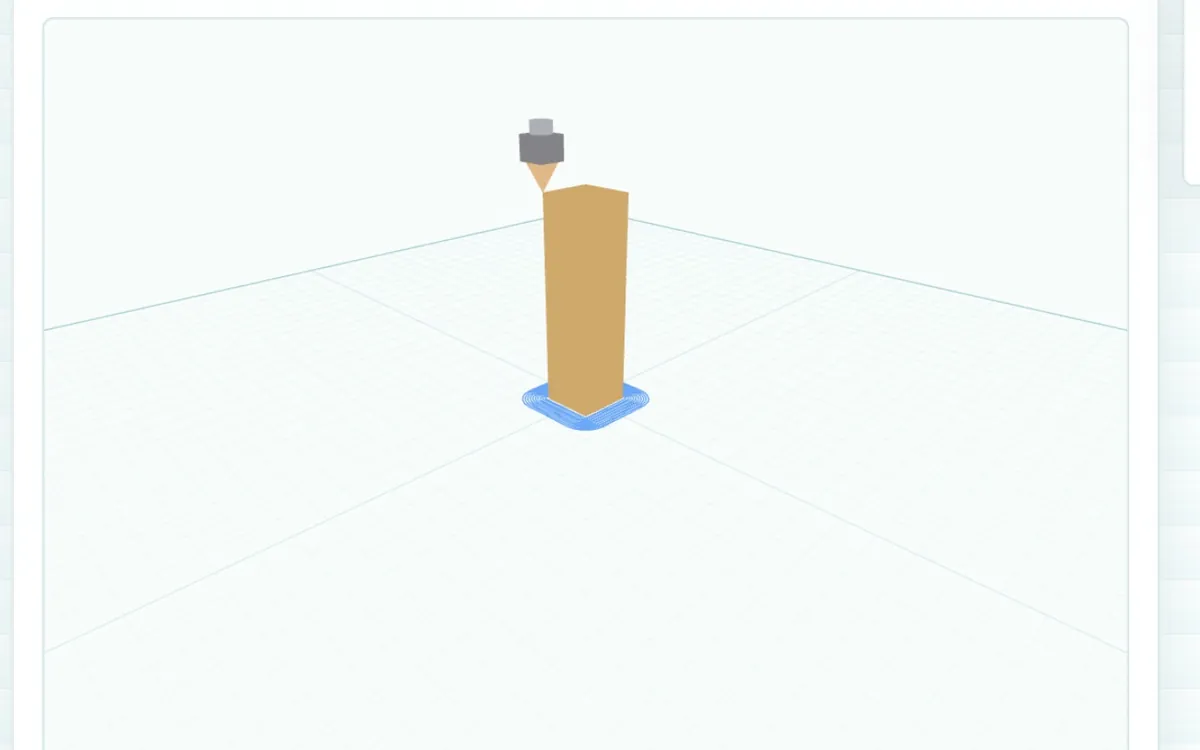
Watch it take shape
Printly rebuilds the print from the file, layer by layer. The nozzle follows the file's own toolpaths. This is Printly's loading preview, not real print time.
-
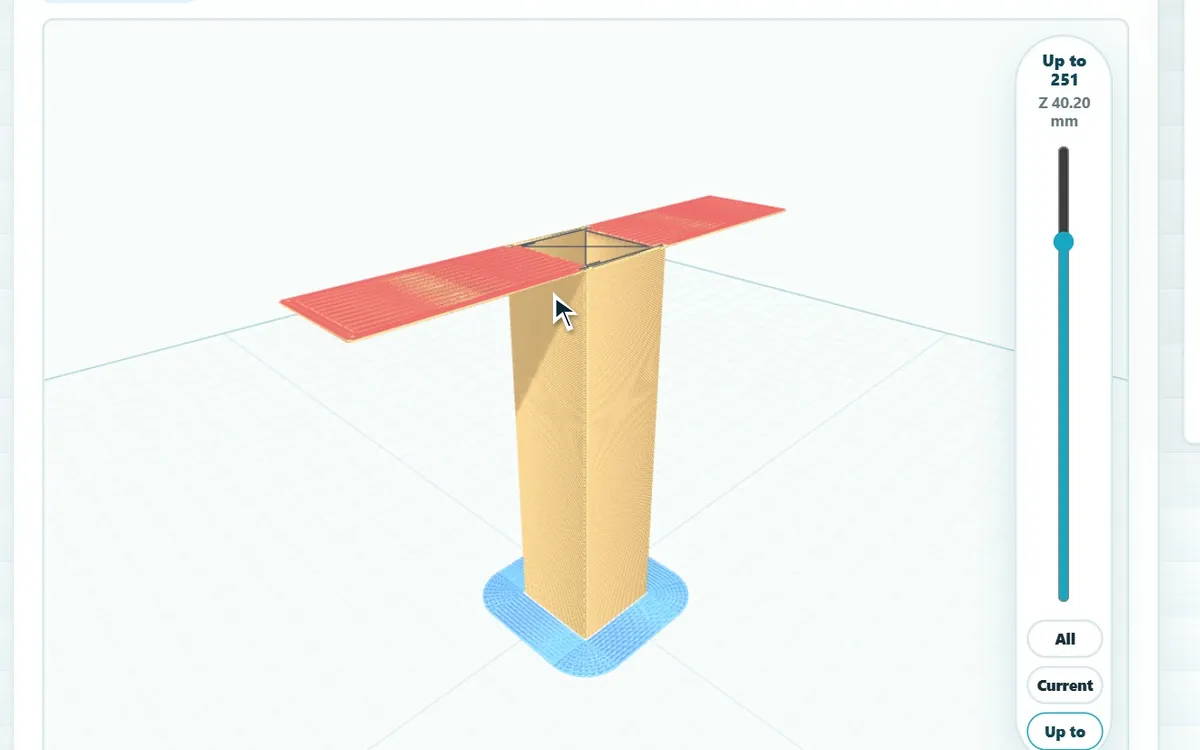
See what it flags
Moving the layer slider to layer 251 shows the top bar printed over open air. Printly flags it in red as a possible risk.
-
Get a suggested next step
Printly suggests what to check first: here, adding supports under the bridge.
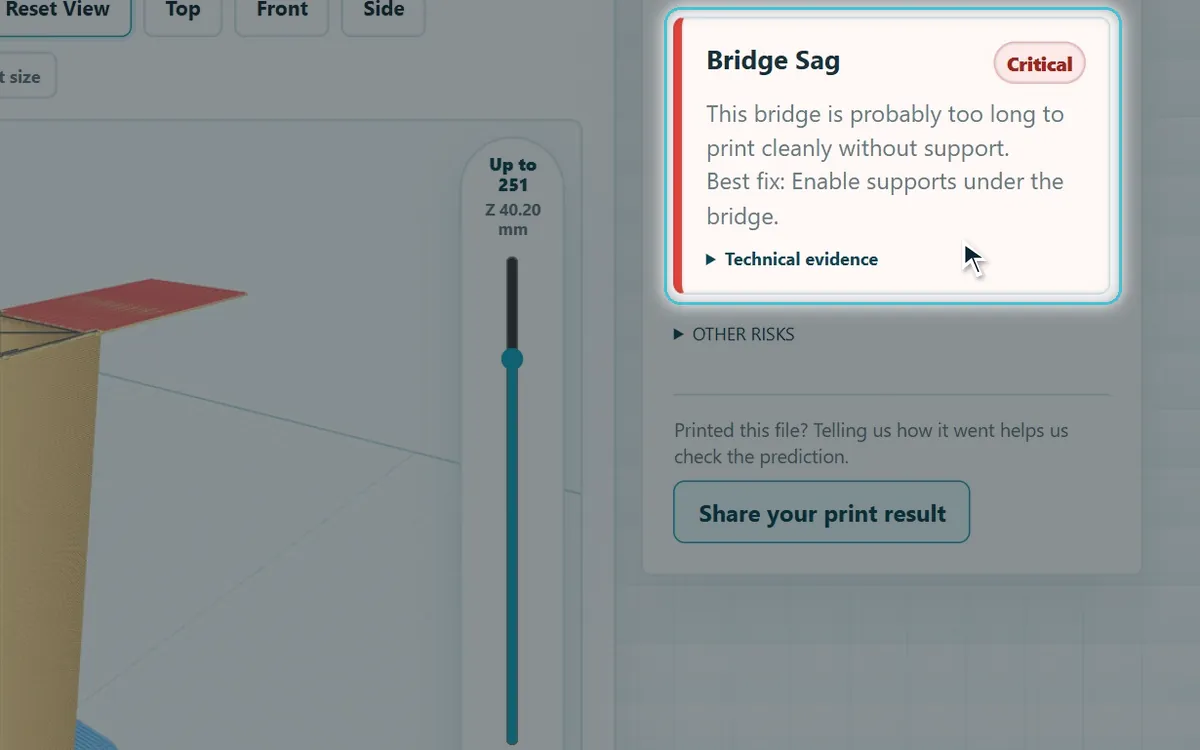
Recorded in Printly with a sample file. Waiting time is shortened, and the pointer is drawn in to show where each click happens.
; the result
What Printly found, and what changed.
The same T-shaped test part, in more detail. It is a different sample from the stand on the Home page.
-
The overall assessment
Printly gives the file an overall assessment with a confidence score. For this part: Don't Print, 29%, with bridge sag as the main risk.
For experienced users: the G-code lines behind it
Tshape.gcodelayer 25114743;LAYER_CHANGE14744;Z:40.214745;HEIGHT:0.1614746;BEFORE_LAYER_CHANGE14874;TYPE:Bridge14875;WIDTH:0.41228714876G1 F150014877G1 X106.032 Y134.018 E.4896514878G1 X106.41 Y134.018 E.0093114879G1 X106.41 Y114.315 E.4854514880G1 X106.787 Y114.315 E.0093114881G1 X106.787 Y134.018 E.4854514882G1 X107.165 Y134.018 E.00931Copied from the sample file. Red lines: the slicer's own ;TYPE:Bridge label and the long moves across the gap, from Y114.315 to Y134.018.
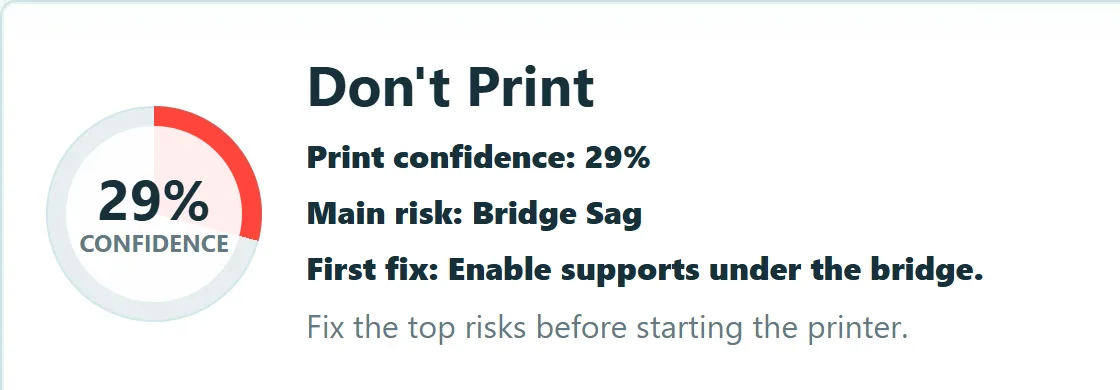
T-shaped part, sliced without supports. -
The other possible risks
After its first suggestion, Printly lists the other possible risks it found, most serious first: bed adhesion, tower stability and unsupported geometry.
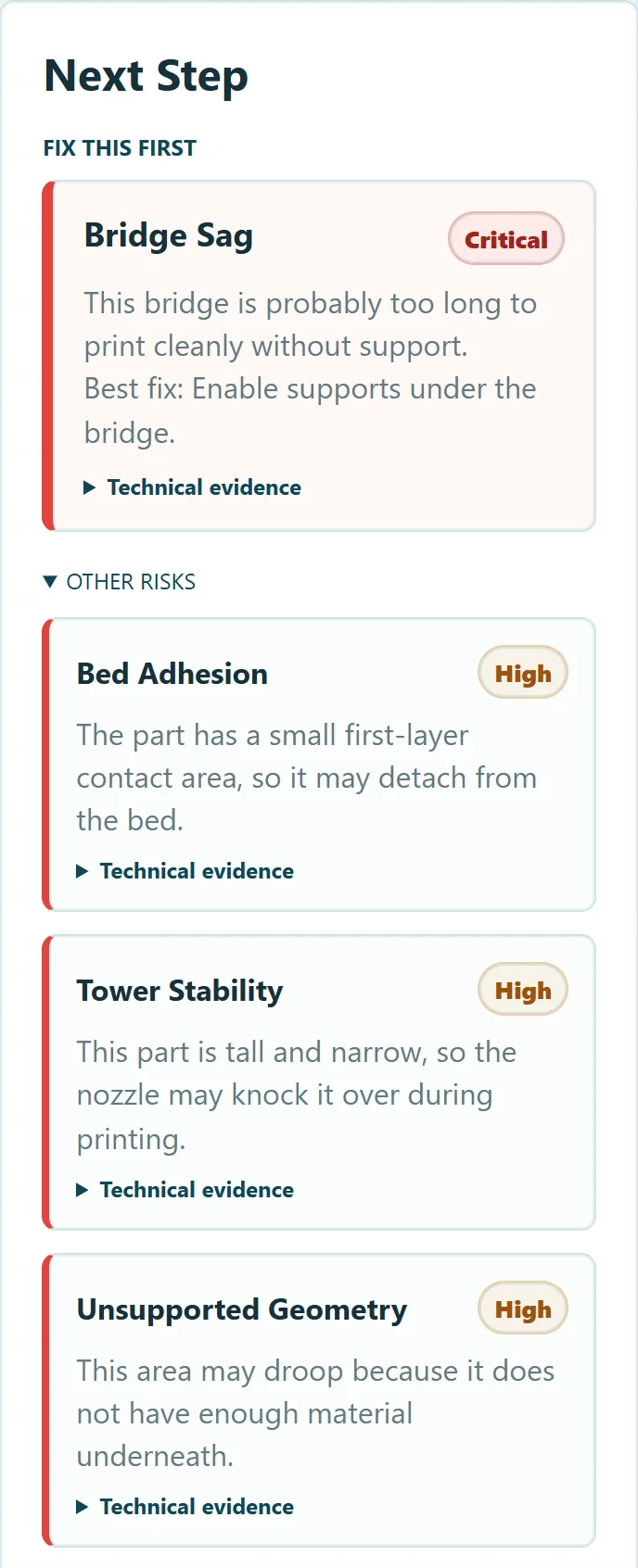
The first suggestion, then the other flagged risks. -
Re-slice and check again
We turned on tree supports in the slicer and checked the new file.
Printly's assessment of the file
Don't Print 29% Print With Caution 73%Not a print result. This compares Printly's two assessments of the file. It does not show how the part actually printed.
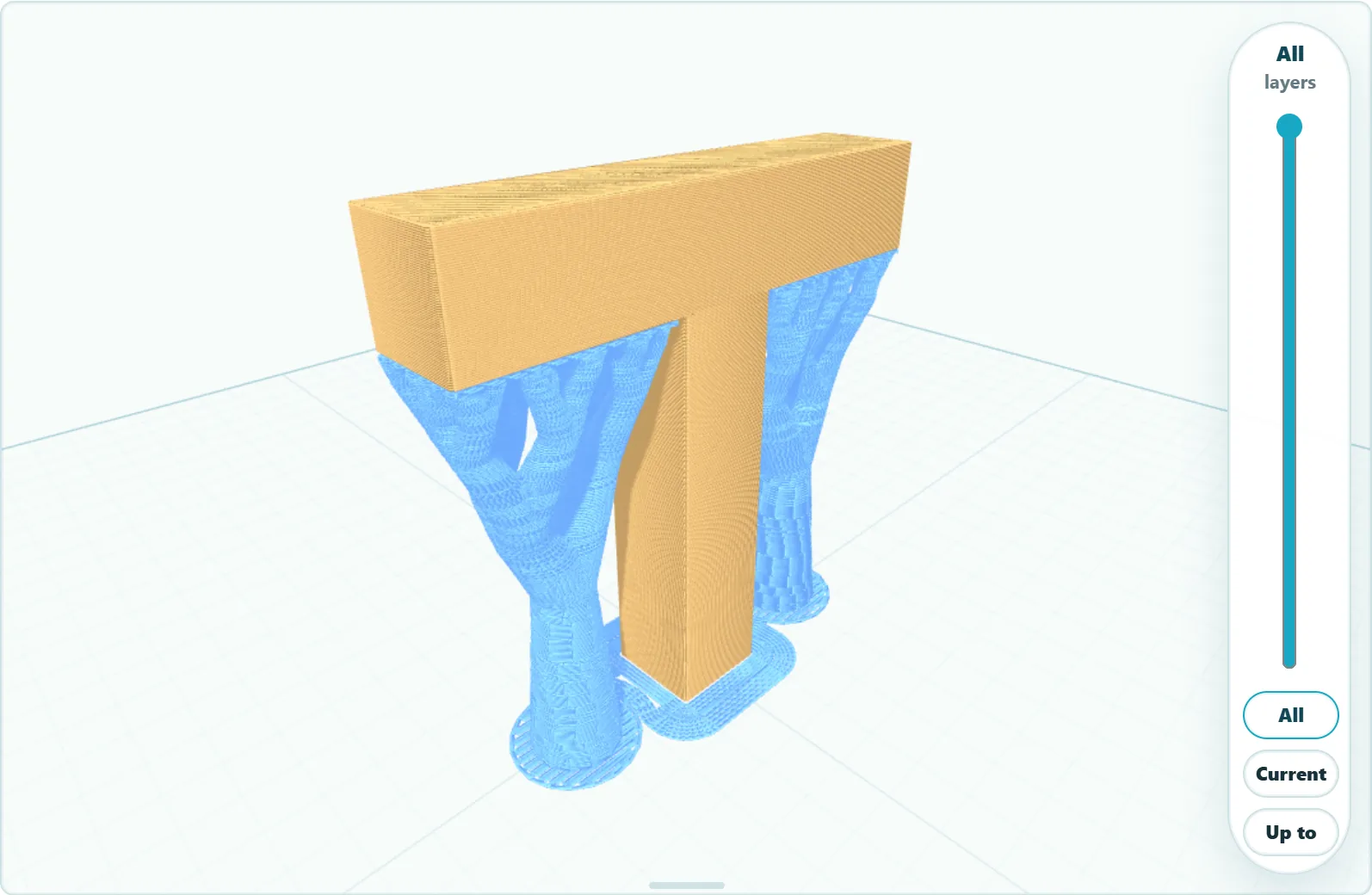
With tree supports, shown in blue. 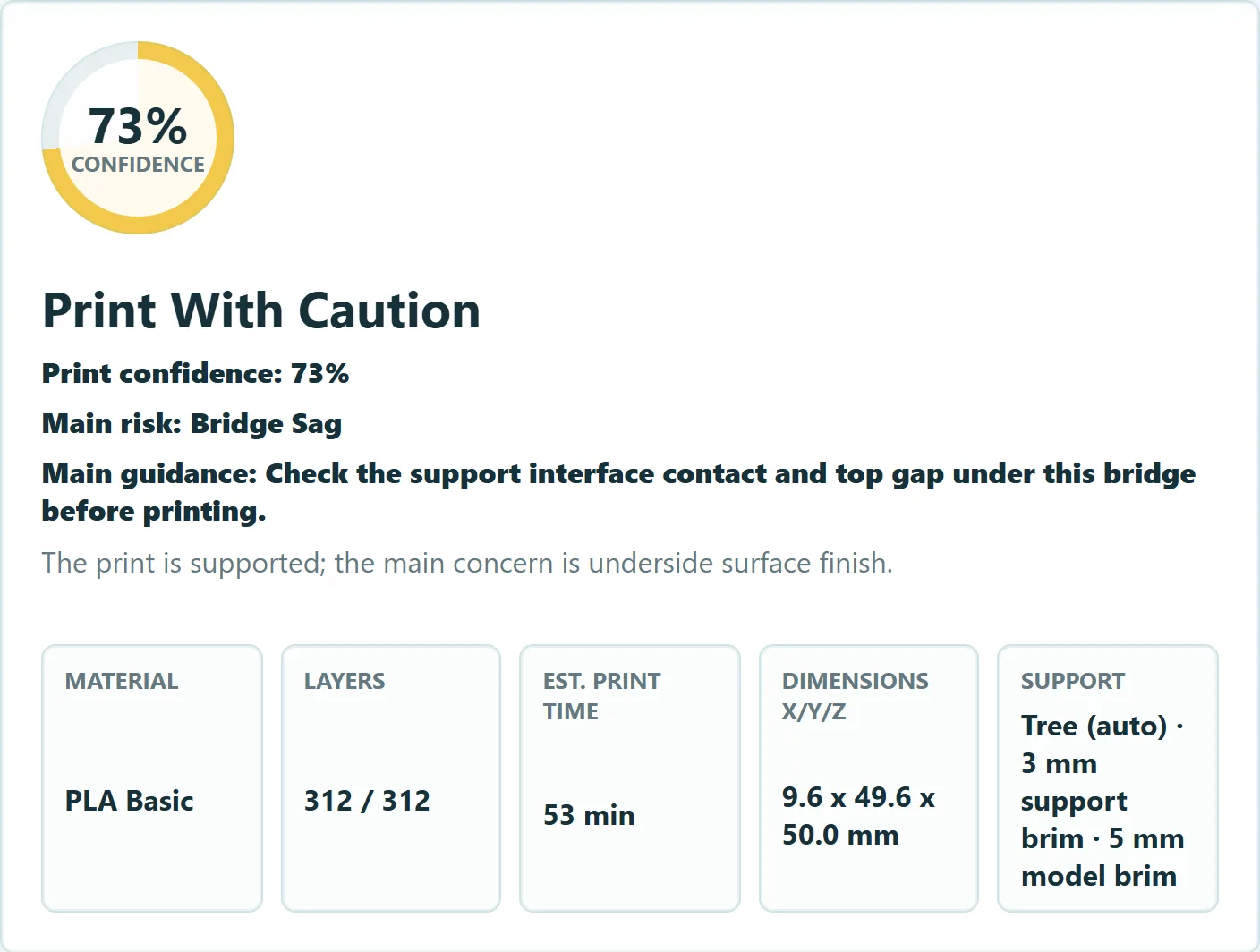
The new assessment now points at the support contact under the bridge.
; what it checks
What Printly looks for.
In every file, Printly checks for these common causes of failed prints.
-
Bridge sag
Bridges that may be too long to print cleanly without support, with an estimate of how far they could sag.
-
Overhangs
Areas that may droop because there is not enough material underneath them.
-
Bed adhesion
A first layer with a small contact area, which may come loose from the bed.
-
Tall, thin parts
An estimate of whether the nozzle could knock the part over during printing.
-
Supports and brims
Recognises supports and brims in the file and takes them into account. Warns when supports are off but the part seems to need them.
-
Print facts
The material and the slicer's own time estimate, read from the file. Layer count, size and an estimated weight, worked out from the toolpaths.
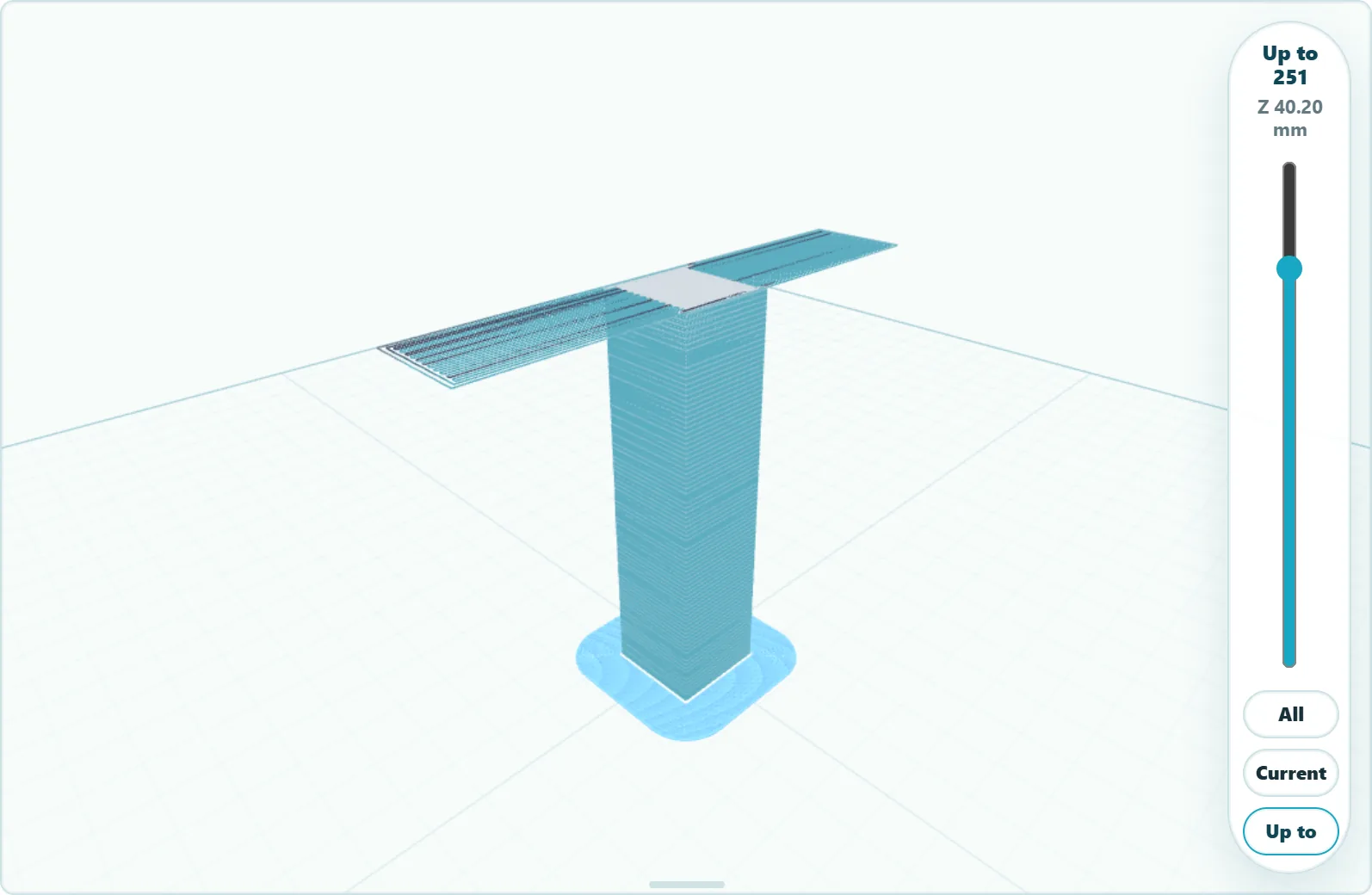
Three ways to look at a print
Clean Preview for the shape, Risk Overlay for the flagged areas and Toolpath Mode for the individual printed lines. Each works with the whole print, a single layer, or everything up to a layer.
Compatibility and limits
- Works with
- Sliced G-code files (.gcode): the file your slicer exports for your printer.
- Tested most with
- PLA, sliced in Flashforge's Flash Studio. Other slicers and materials are still being checked.
- Model files
- STL and 3MF files can be opened for a quick 3D look, without a print check.
- Keep in mind
- Printly only sees the file, not your printer, filament or room. Its results are guidance, not a guarantee.
Try Printly on your next print.
Printly Preflight is in private beta. Ask for early access by email.
Email link Opens a message to printly.preflight@outlook.com in your mail app.